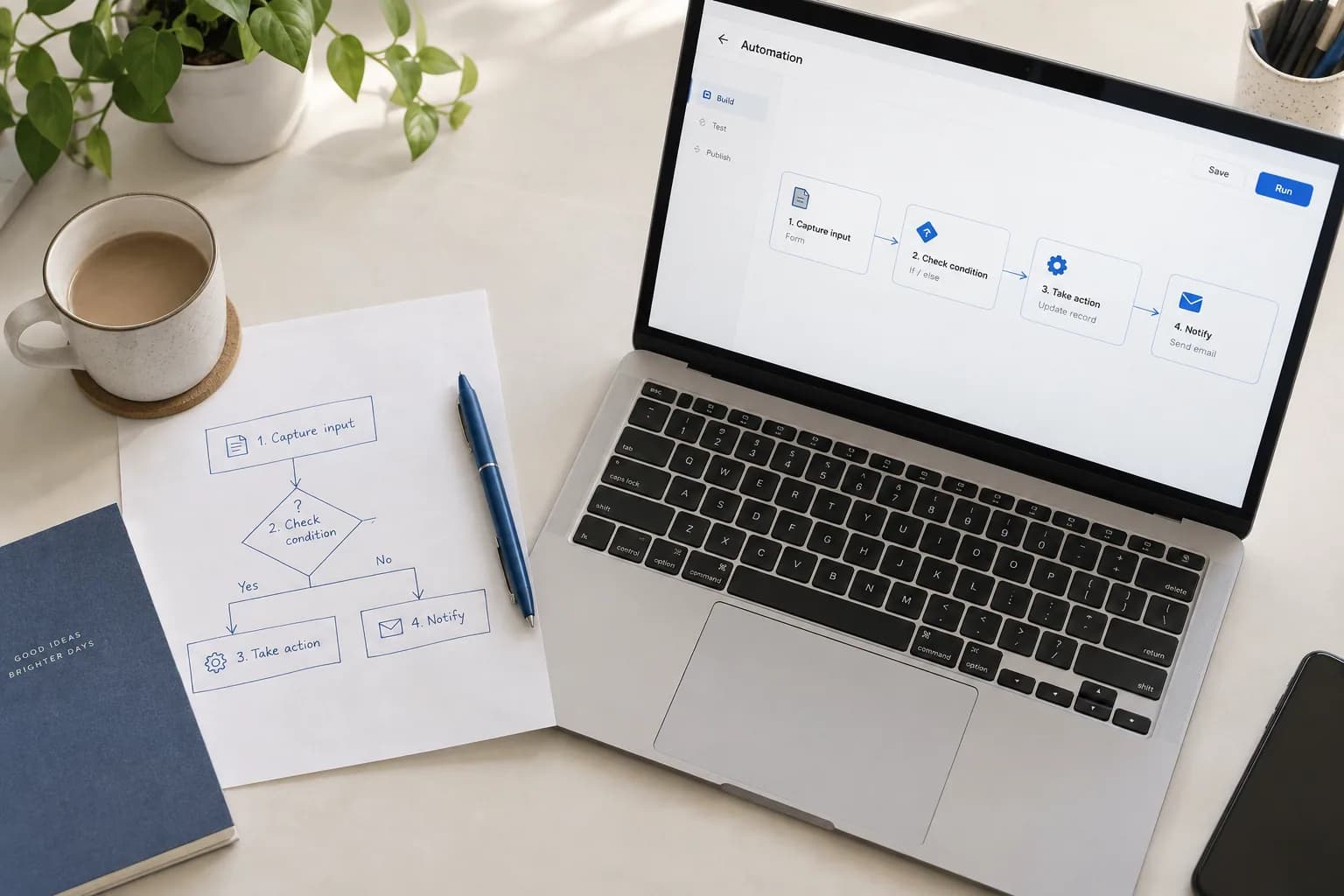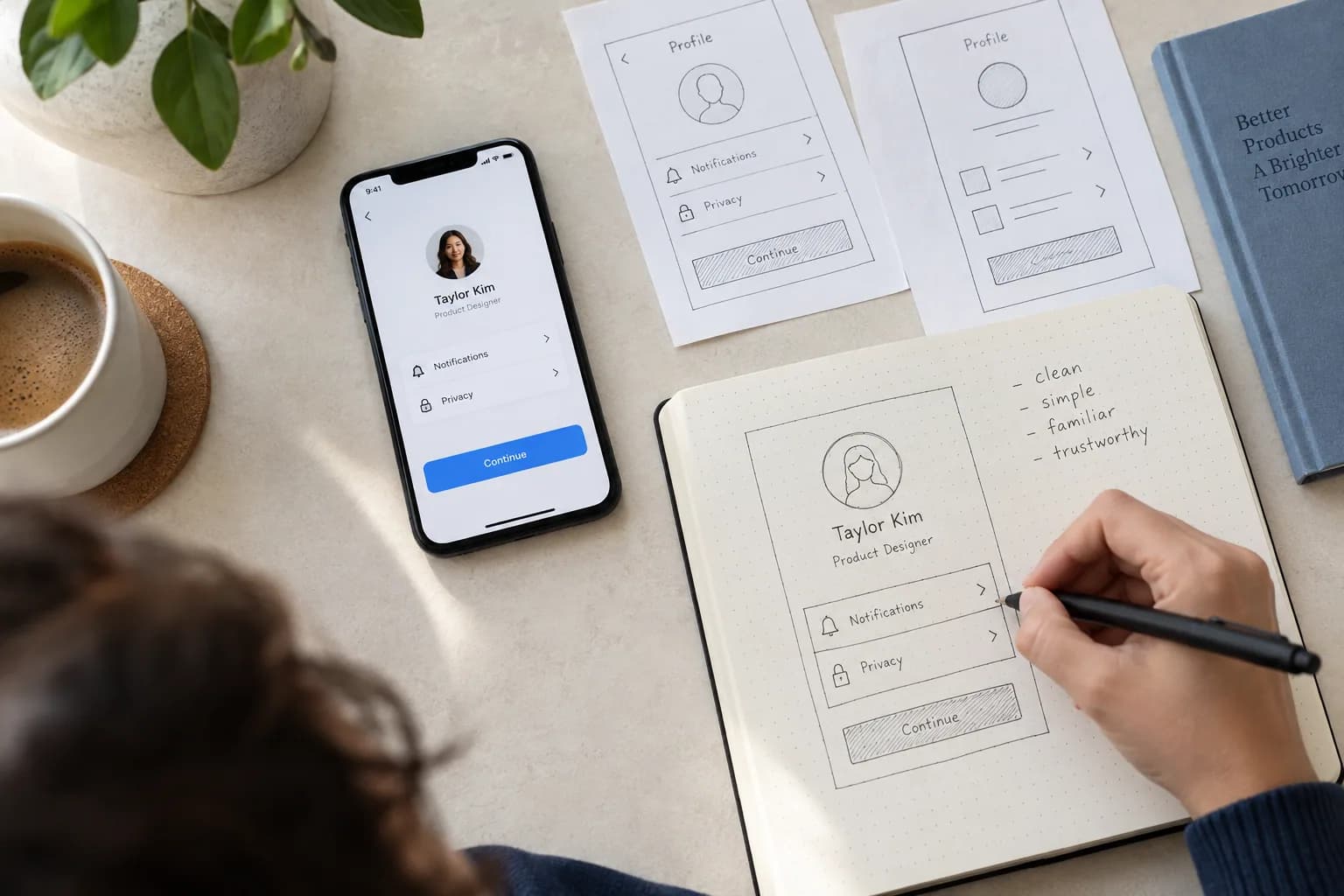
The starting point
A beautiful interface earns attention. The next question is whether someone can use it to do what they came for. When reviewing a design, move beyond the ideal screenshot and walk through a real task from start to finish—including the moments when things do not go to plan.
Make the next step clear
Start each screen with a clear purpose. Decide what the person needs to understand, what they can do and what is most important at that moment. Let headings, spacing and visual emphasis express that order.
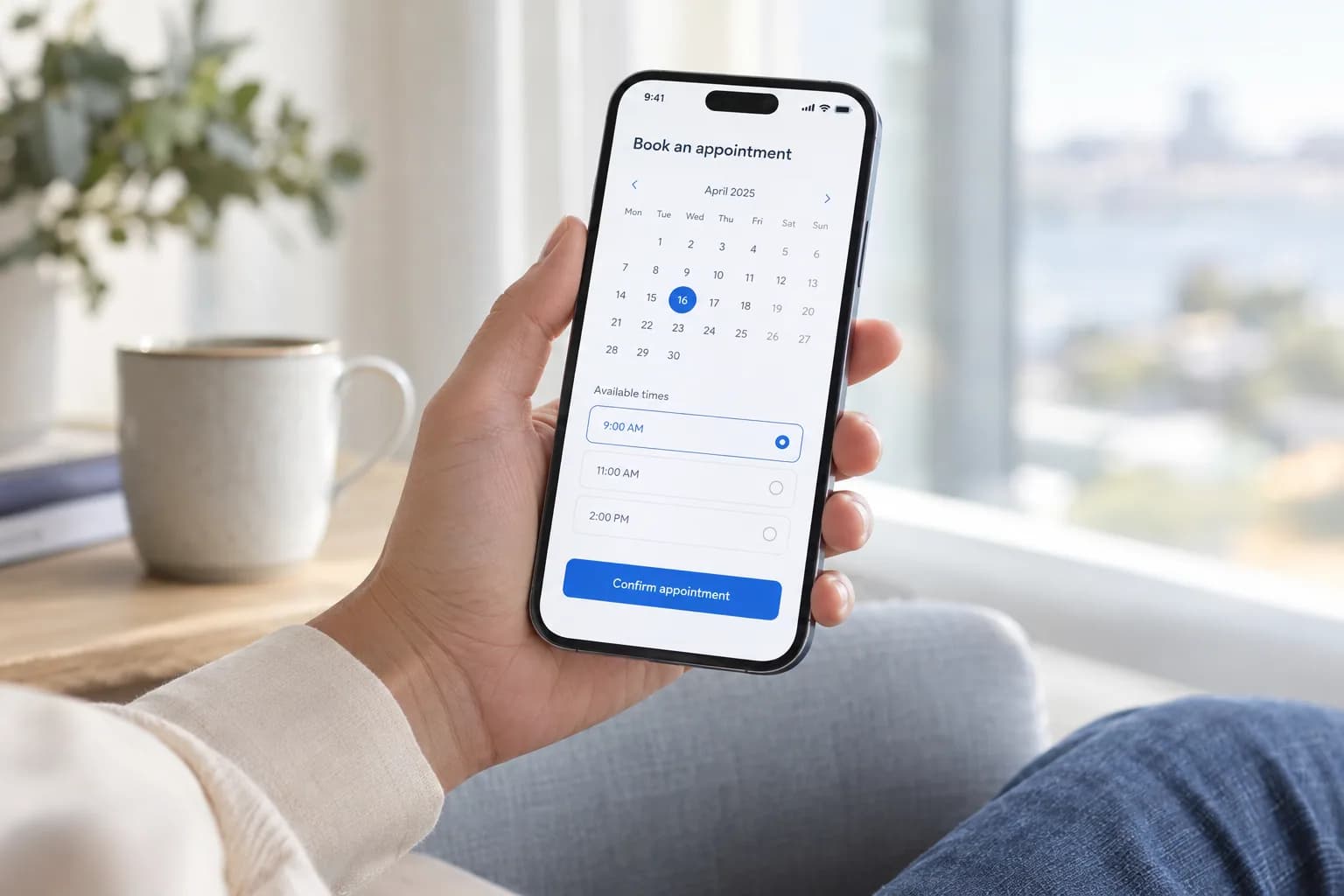
Use specific action labels such as ‘Save changes’ or ‘Review booking’ when they explain the result better than ‘Continue.’ Keep navigation names consistent across screens. Review the words alongside the layout: vague copy cannot always be fixed by a larger button.
Design the moments between the screens
Walk through the empty, loading, error and success states. A person opening a new workspace needs a helpful starting point, not just an empty table. Someone waiting for a result needs to understand that their action is being processed.
When something fails, explain what happened in language the person can act on. Consider whether their input can be preserved, how they can retry and when they should contact someone for help. Design these decisions with engineering so the interface reflects what the product can actually do.
Include accessibility in the review
Review whether interactive elements can be reached with a keyboard and whether the current focus is visible. Check text contrast, associated form labels and whether information still makes sense without colour. These are practical starting points, not a complete accessibility audit.
The W3C Web Accessibility Initiative’s design tips cover these considerations alongside navigation, feedback and layouts for different viewports. Use that guidance during design and implementation, then plan testing with appropriate tools and people—not just a visual sign-off.
Observe a real task, not a tour
Give someone a realistic goal and let them work through a prototype without narrating every step. Ask what they expected when something surprised them. Watch for hesitation, backtracking and points where the interface needs an explanation.
Record the problems before jumping to solutions. Discuss which issues prevent task completion and which are refinements, then test the changes. Treat the design as a set of decisions that can be improved, rather than a finished picture to defend.
Further guidance for the accessibility review above.
W3C WAI: Designing for Web AccessibilityPut the thinking into practice
Ready for your next step?