The starting point
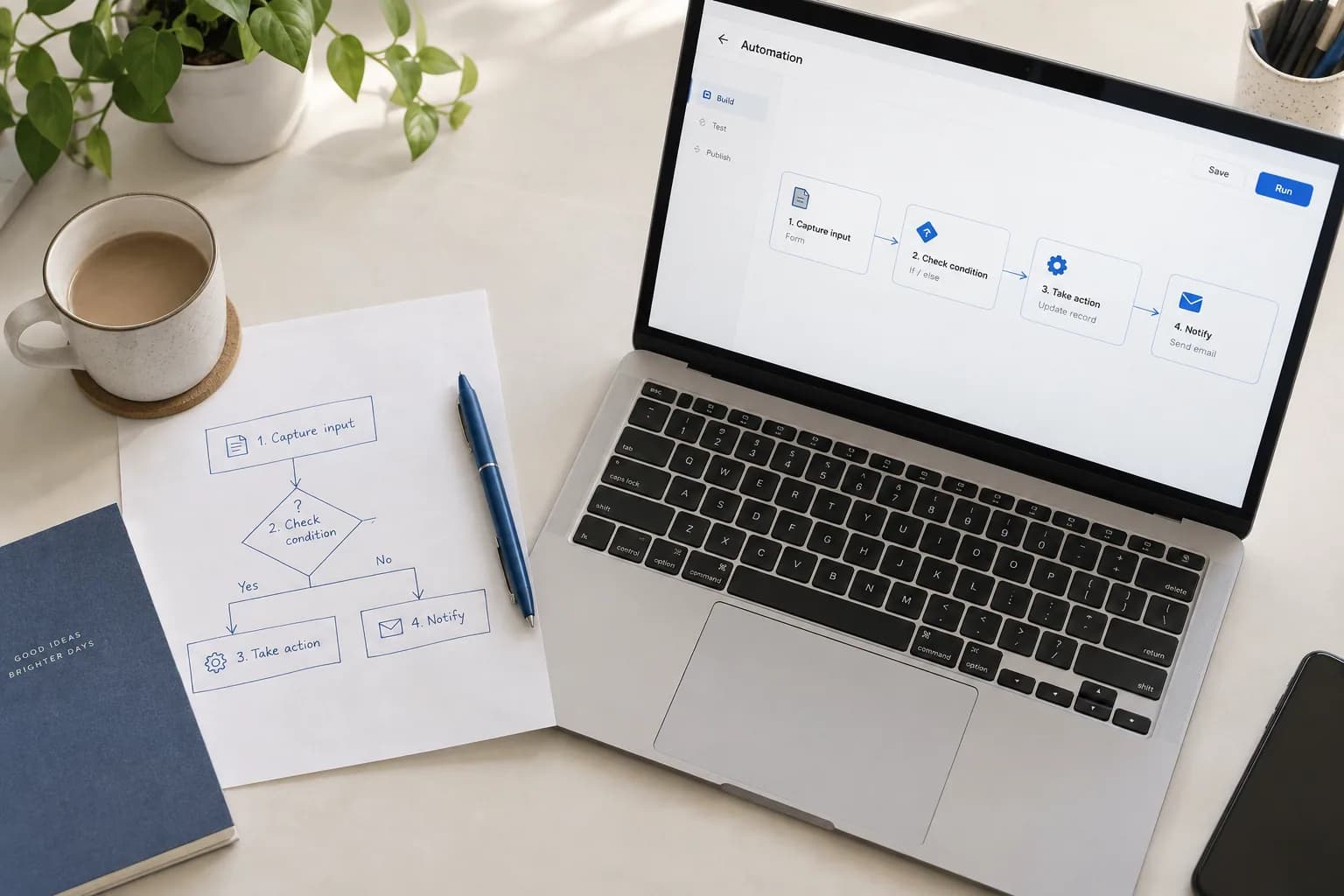
A request form can look simple until it needs approvals, attachments, different access levels and a connection to another system. Low-code development is most useful when those details are understood early. Before choosing a platform, follow one real request from its first entry to its final outcome and map the work around it.
Follow the exceptions as well as the happy path
For an internal purchasing workflow, start with the person raising a request. Identify who checks it, who can approve it and what information must reach finance. Then consider a missing attachment, an unavailable approver or a request that needs to be withdrawn.
Use that journey to define the first release. A complete, narrow workflow is a better evaluation project than a collection of disconnected screens. Make the manual fallback visible so the team knows how to continue if an integration or automated step is unavailable.
Test the difficult connection first
List the systems and records the application must use. Check the actual connection with a small technical trial, including permissions, error responses and expected usage. A connector appearing in a catalogue does not establish that it supports every operation your workflow needs.
Review the platform's current licensing and capacity terms against the intended users and integrations. Include administrators and occasional external users in the discussion. Record any dependency on a paid connector or specialist support before treating a prototype as the production plan.
Give the application a release process
Define where changes are built, reviewed and tested before they reach everyday users. Record the configuration, connection references and permissions that must accompany a release. A working screen is only part of what needs to move between environments.
Microsoft's Power Platform ALM guidance treats testing, deployment, maintenance and governance as parts of the application lifecycle. Use the equivalent tools and practices supported by your chosen platform. Keep a record of what changed and who approved it, even when the interface is built visually.
Make the handover part of the build
Agree who can change the application and who handles a failed workflow. Walk that owner through a realistic support case. Include the locations of documentation, approved credentials and platform administration, rather than leaving those details with the original builder.
Discuss how records can be exported and what a future migration would involve. Keep business rules readable enough to explain outside the builder. The first release should leave the organisation with a useful application and a practical way to maintain it.
A platform-specific reference for managing applications beyond the initial build.
Microsoft: Application lifecycle management basicsPut the thinking into practice
Ready for your next step?